Introduction
Digital publishing has expanded access to books, journals, reports, educational resources, and professional information. Readers can now access publications through websites, mobile applications, electronic books, and downloadable documents.
However, digital availability does not automatically mean that content is accessible to everyone.
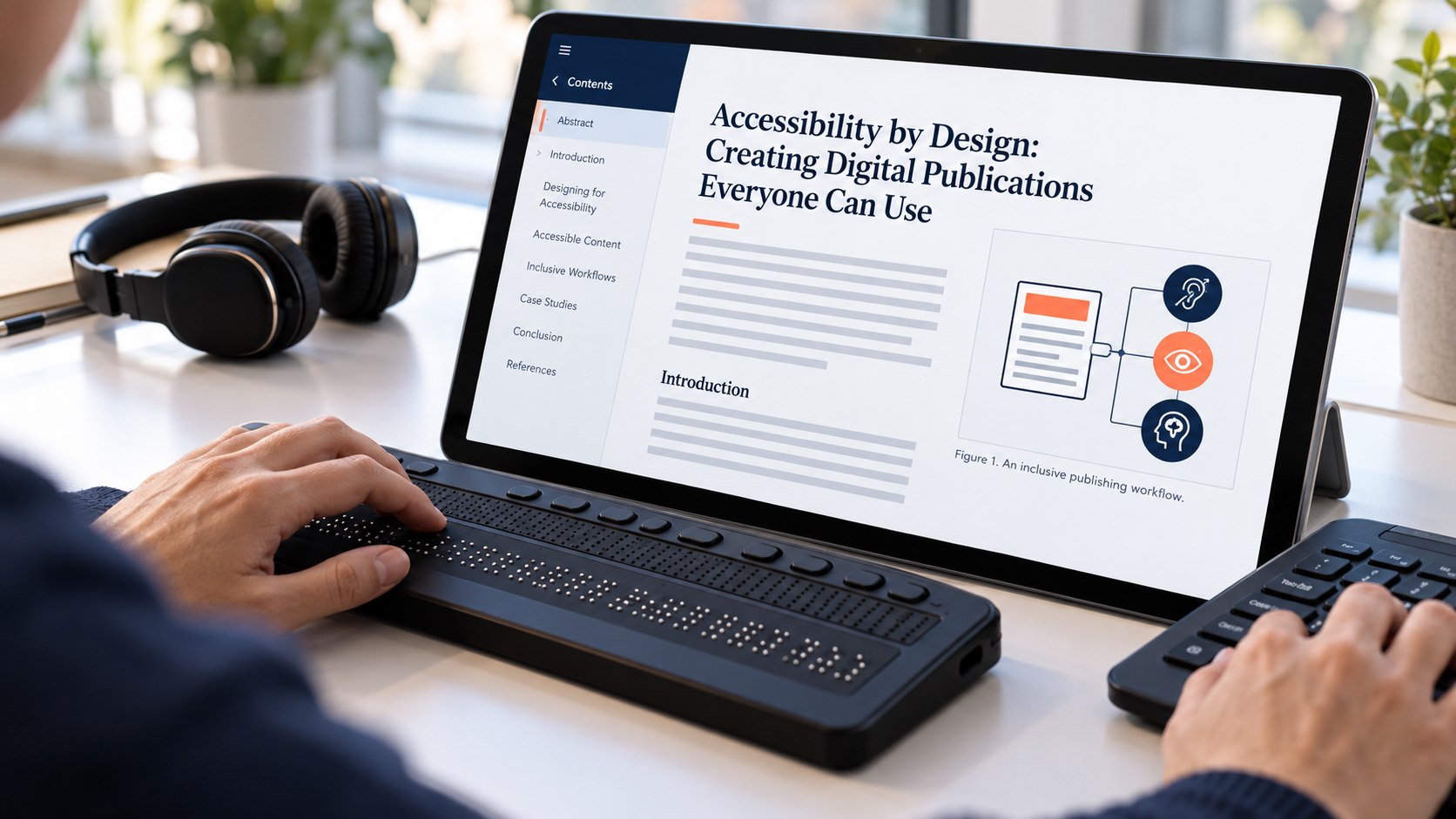
A publication may be difficult to use if its text cannot be resized, its images lack descriptions, its navigation depends entirely on a mouse, or its document structure cannot be interpreted correctly by assistive technologies. A visually attractive publication may still present serious barriers to readers who use screen readers, keyboard navigation, magnification, captions, or alternative input devices.
Accessibility by design addresses these challenges by incorporating accessibility considerations into content creation, formatting, conversion, testing, and distribution rather than treating accessibility as a final correction.
For publishers, this approach improves usability, supports more inclusive reading experiences, and helps organizations respond to evolving accessibility expectations.
The objective is to create digital publications that communicate their content clearly and allow readers with different needs to access and navigate information effectively.
Understanding Accessibility in Digital Publishing
Digital accessibility means designing content and digital interfaces so people with disabilities can perceive, understand, navigate, and interact with them.
In publishing, accessibility applies to both the publication itself and the platform used to deliver it.
A journal article may contain accessible text but be hosted on a website that cannot be navigated using a keyboard. Conversely, a well-designed publishing website may host a PDF whose reading order is incorrect or whose charts have no meaningful descriptions.
Accessibility must therefore be considered across the complete publishing experience.
Relevant content types include electronic books, scholarly articles, online reports, educational materials, digital magazines, images, tables, audio, and video.
Common accessibility considerations include text alternatives for meaningful images, semantic headings, logical reading order, sufficient contrast, captions, accessible navigation, and compatibility with assistive technologies.
The exact requirements depend on the content format, intended use, applicable standards, and legal obligations.
Why Accessibility Should Begin Early
Correcting accessibility problems after publication can be expensive and time-consuming.
For example, a document created without semantic heading styles may require substantial restructuring before it can be navigated reliably using a screen reader. An image-heavy publication may need alternative text added manually, while a poorly structured table may need to be rebuilt.
If these issues are addressed during content creation, they can often be prevented with less effort.
An accessibility-first workflow also reduces inconsistency. Instead of asking each production team to interpret requirements independently, publishers can establish common templates, authoring instructions, and quality checks.
Early planning is especially important for publications containing complex tables, equations, diagrams, multilingual content, or interactive elements.
Accessibility should be treated as a publishing quality requirement alongside editorial accuracy, formatting consistency, and technical validation.
Choosing Accessible Content Formats
HTML for Web-Based Publications
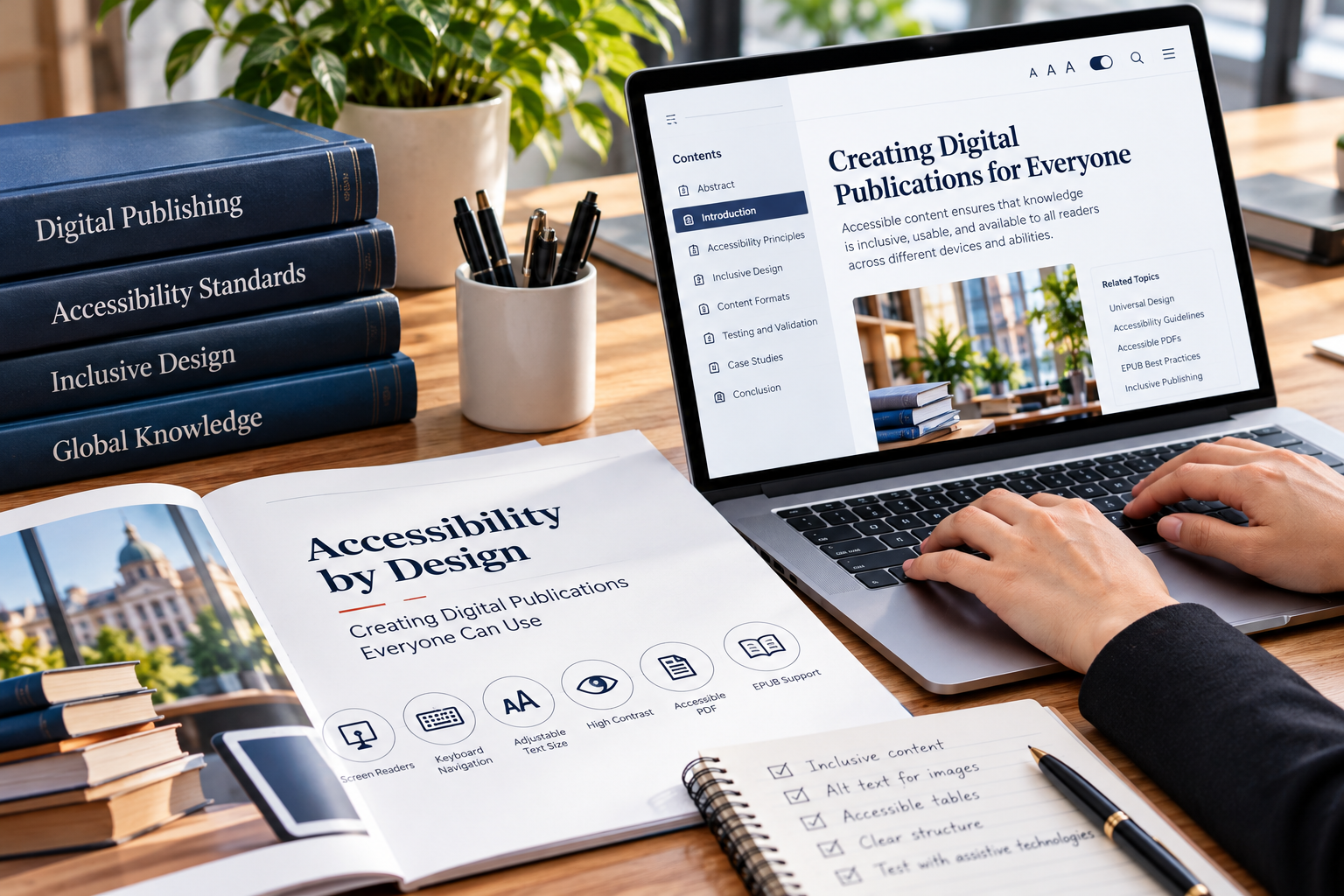
HTML supports semantic document structures that browsers and assistive technologies can interpret.
Proper heading elements, lists, landmarks, descriptive links, and meaningful page titles improve navigation and comprehension.
For example, a research article can use a clear heading hierarchy to distinguish the abstract, introduction, methods, results, discussion, and references.
Readers can then navigate directly between sections instead of reading the entire document sequentially.
However, HTML is not automatically accessible. Poorly implemented controls, missing labels, confusing navigation, and inaccessible interactive components can still create barriers.
EPUB for Electronic Books
EPUB is commonly used for electronic books and supports reflowable text, allowing content to adapt to different screen sizes and reader settings.
Accessible EPUB publications should provide meaningful navigation, appropriate document structure, readable text, and suitable alternatives for informative images.
Publishers should also check reading order and ensure that essential information does not depend exclusively on visual presentation.
The final EPUB should be tested in representative reading applications because different readers may support features differently.
PDF for Fixed-Layout Documents
PDF remains widely used for academic articles, reports, and page-oriented publications.
However, a PDF that contains only positioned visual text may be difficult for assistive technologies to interpret.
Tagged PDFs can provide structural information about headings, paragraphs, lists, tables, figures, and other elements. Reading order and document language also matter.
Publishers should avoid assuming that a PDF is accessible simply because its text can be selected or copied.
When a publication is distributed as a PDF, accessibility testing should include both automated inspection and manual verification.
Building Accessibility into the Content Production Workflow
Step 1: Define Accessibility Requirements
Publishers should document accessibility expectations for each content type.
A policy may specify required heading structures, image descriptions, captioning, document language, table formatting, link descriptions, and validation procedures.
Requirements should be communicated to authors, editors, designers, production specialists, and external vendors.
The policy should also identify who is responsible for reviewing accessibility issues and approving the final publication.
Step 2: Use Accessible Templates
Templates help make accessible formatting repeatable.
For example, a document template can include properly defined heading styles, accessible table structures, consistent metadata fields, and appropriate language settings.
An HTML publishing template can provide standard navigation, semantic landmarks, and accessible interface components.
Templates should be tested before widespread use. A defective template can introduce the same accessibility problem across hundreds of publications.
Step 3: Structure Content Semantically
Semantic structure describes what a content element represents rather than merely how it looks.
A heading should be marked as a heading, a list should be represented as a list, and a data table should have meaningful row and column relationships.
Using visual formatting alone, such as making a paragraph bold and large, does not necessarily communicate its role to assistive technologies.
Semantic structure also improves maintainability, content conversion, and navigation.
For publishers managing structured content, XML or other structured authoring systems can help preserve the relationships between headings, paragraphs, tables, figures, and references across multiple output formats.
Step 4: Provide Meaningful Image Alternatives
Images require different treatments depending on their purpose.
An informative diagram may need a concise alternative description, while a complex scientific figure may require a longer explanation of its key relationships or findings.
Decorative images may not need descriptive text if they contribute no essential information.
Alternative text should communicate the image’s purpose rather than merely list its visual characteristics.
For example, a chart describing changes in annual revenue should communicate the relevant trend, not simply state that the image contains several bars.
Publishers should ensure that important information shown in figures is also available in an accessible form where appropriate.
Step 5: Make Tables and Equations Understandable
Complex tables can be difficult to navigate when headers and relationships are not properly identified.
Authors should avoid unnecessary table complexity, use meaningful headings, and provide explanatory notes where required.
For mathematical content, publishers should select formats and presentation methods that support accessible reading as far as practicable.
Equations should not be communicated solely through images when an accessible representation is available.
Technical content often requires specialist review because an apparently minor conversion error can change the meaning of a scientific expression or table.
Automating Accessibility Checks
Automation can help identify common problems across large publishing collections.
Accessibility testing tools may detect missing image alternatives, incorrect heading sequences, insufficient color contrast, unlabeled interface controls, and certain document-structure problems.
Automated checks can be integrated into content management systems and publishing pipelines.
For example, when an editor uploads an article, the system can inspect the document and generate a list of potential accessibility issues before it enters production.
A publishing workflow can also validate generated HTML or EPUB files and prevent a release from proceeding when critical checks fail.
However, automated testing cannot reliably determine whether every alternative description is meaningful, whether the reading order communicates the intended argument, or whether a complex diagram is adequately explained.
Human review remains necessary.
A useful workflow combines automated detection with editorial judgment and testing using assistive technologies.
Accessibility Across Content Conversion
Publishers frequently transform content from one format into another.
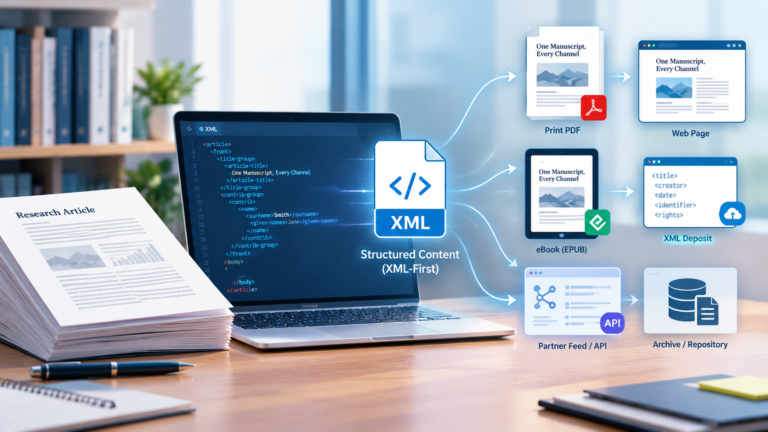
A manuscript may begin in a word processor, move into XML, and then generate HTML, PDF, or EPUB outputs.
Accessibility information must survive these transformations.
Heading levels, image descriptions, language information, table relationships, and document structure can be lost if the conversion pipeline does not preserve them.
Publishers should therefore define a source-of-truth content model and map accessibility-related properties into every output format.
After conversion, the final files should be tested rather than assuming that the source document’s accessibility has been preserved.
Regression tests can help identify whether a new template or conversion-engine update has introduced problems across existing publication types.
Accessibility Standards and Compliance
Publishers should understand the standards and regulations relevant to their markets and products.
The Web Content Accessibility Guidelines, commonly known as WCAG, provide widely used criteria for web accessibility. Different versions and conformance levels may apply depending on the organization and context.
The European Accessibility Act has also made accessibility an important consideration for certain products and services in the European Union, with application beginning in June 2025. Specific requirements, exemptions, and responsibilities depend on the product, service, and applicable law.
Publishers should obtain appropriate compliance guidance rather than assuming that one checklist satisfies every legal obligation.
Technical standards, organizational policies, and legal requirements are related but not identical. A publication may pass a particular automated test and still require additional assessment for its intended use or regulatory context.
Measuring Accessibility Quality
Accessibility should be measured continuously rather than assessed only once.
Useful indicators include the proportion of publications that pass required automated checks, the number of unresolved critical issues, the percentage of images with reviewed descriptions, and the number of defects discovered after publication.
Organizations can also gather feedback from readers and conduct usability testing with people who use assistive technologies.
Accessibility issues should be tracked through a documented remediation process with clear ownership and deadlines.
Where a publication has a known limitation, publishers should communicate it accurately and provide an alternative where possible.
Conclusion
Accessibility by design helps publishers create digital publications that can be used by a broader range of readers.
It requires more than adding accessibility features at the end of production. Publishers need accessible templates, semantic content structures, meaningful image descriptions, appropriate file formats, and testing procedures that cover the complete publishing workflow.
Automation can improve consistency and identify common defects, but human review remains essential for evaluating meaning, reading order, and the quality of alternative content.
By integrating accessibility into authoring, editing, conversion, and distribution, publishing organizations can reduce rework and improve the usability of their digital collections.
The most effective approach treats accessibility as a core measure of publication quality. When accessibility is considered from the beginning, publishers are better positioned to deliver content that is understandable, navigable, and useful to readers with different needs.